Migrate your website
Send the address of a public website. We copy its pages, pictures and page addresses into plain files, compare the copy with the original and email you a code. We need no password.
Each website has a draft and a live version. The agent changes the draft. You look at it, then publish. When you are ready, move the website to your own accounts.

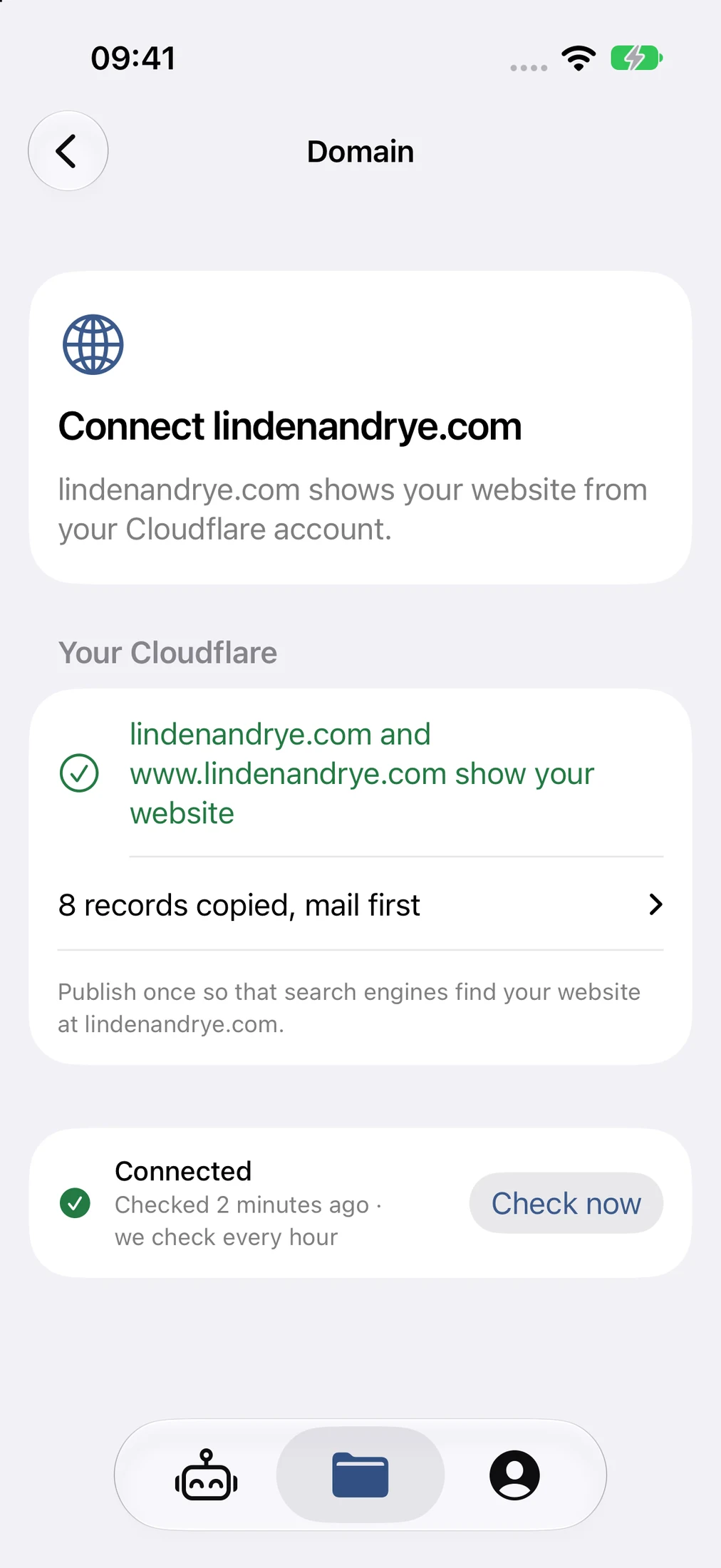
Send the address of a public website. We copy its pages, pictures and page addresses into plain files, compare the copy with the original and email you a code. We need no password.
The agent updates the draft website after each request. Open it on your phone before anything goes live.
Publish the draft with one tap. History lists each version, and Restore brings back an earlier one as a new change.
Choose a repository in your own GitHub account. With Back up after each publish turned on, each publish also saves the code there.
Move the draft and the live website to Workers in your own Cloudflare account. The app checks each one before it says done.
Point your domain at the moved website. The app copies the domain’s other records, such as mail, and checks the connection every hour.
Your phone is where you give directions. The work runs in a workspace: a cloud workspace made for you, or a computer you already use.


Eligible signed-in accounts can create a private cloud workspace from the app and follow its progress. Hosted access is a private pilot; signing in alone does not guarantee a workspace.
Connect a computer you already use over SSH, with keys made on your device and host-key checks. This route needs Advanced Mode and Hosts.
A cloud workspace works over the internet. You do not need your own Mac or Tailscale on your phone.
A workspace is a place to work, not a place to keep things. Push each project to a repository that you own.
Turn an agent’s questions into a simple, guided form. Choose Answer questions to automatically detect the questions in a response, then work through them one at a time.


Use the Answer questions shortcut for the latest response, or touch and hold a completed response to choose it. Detection uses the agent’s model and checks extracted questions against the original message; it does not invent your answers.
Select offered choices, type a custom answer, or dictate and edit it. See your progress, skip a question for now, or explicitly let the agent decide.
Attach photos, device documents or workspace files to an individual answer. Review which files go with which answer; device files upload only when you send.
Close and resume a locally saved draft, including its attachments. Drafts have a seven-day retention window; discarding a draft removes its saved files.
Edit answers together and send one numbered response to the original agent. Unanswered questions remain explicit, rather than silently becoming decisions.
Requires a supported agent and updated workspace integration. Detection can use paid model resources. If extraction fails, retry or reply normally in chat; nothing is sent just by filling the form.
Each agent works in a project. The list shows what each agent is doing and which one needs you. Open one to read the conversation and give the next direction.

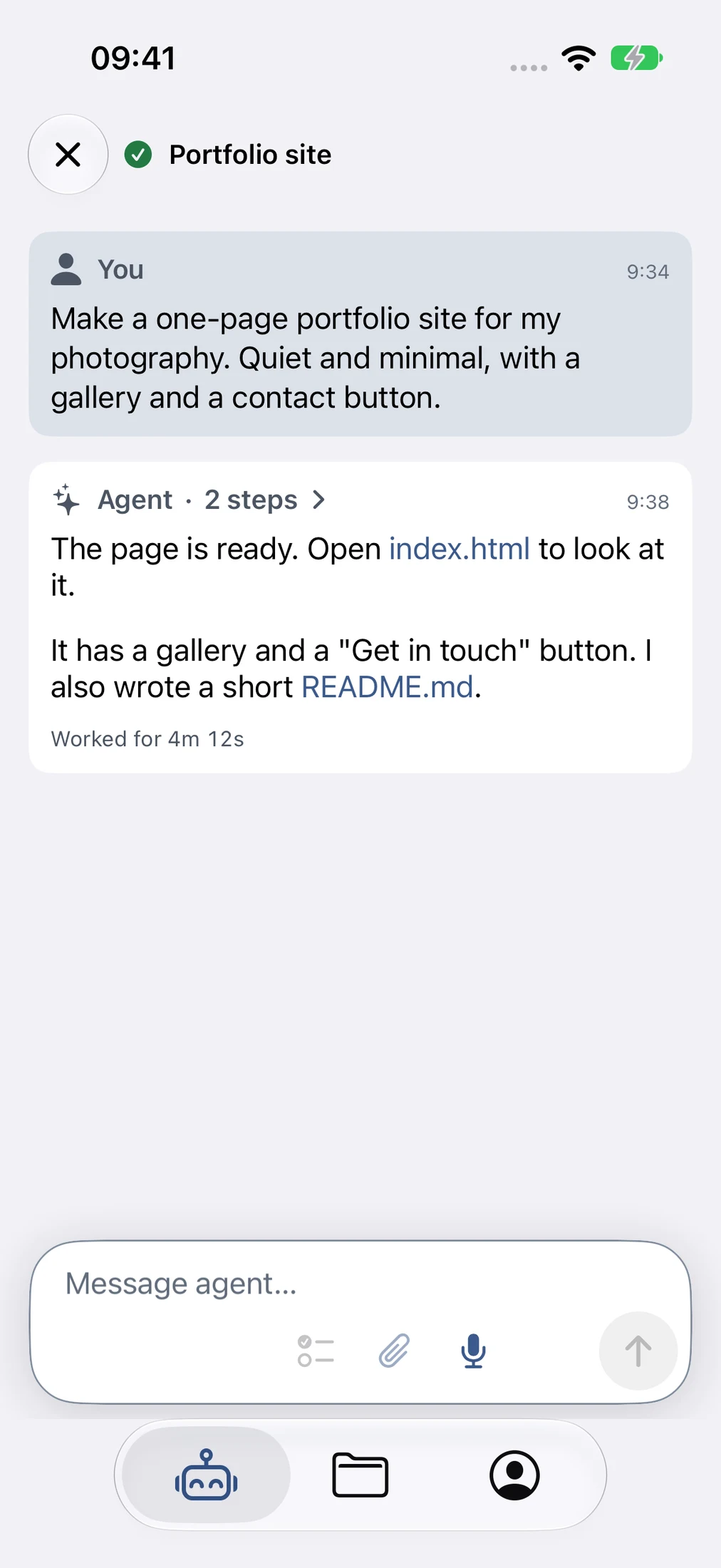
Type a request or dictate it. Use Apple on-device speech, or included dictation for eligible signed-in accounts, with a daily allowance. Attach photos and documents from your device.
Agents sit under their project. Status icons, activity lines and work duration show what is working, what is finished and what needs your answer.
Helper agents stay grouped under the agent that started them, and you can open each one.
Formatted answers, message times and conversation history. Copy a message, or touch and hold a link to copy only that link. Listen to finished answers with system speech.
Queue a follow-up for later or steer the current work. Swipe a queued prompt to show an explicit remove action; a full swipe never deletes a prompt.
Fork from a completed response, even while the original agent keeps working. Conversations continue independently with their context; project files remain shared, not isolated.
Optional completion notifications bring you back to the matching agent. Account setup and notification permission are required.
Open what the agent made, directly from the conversation. Then read what changed and why, in plain words and pictures.


Read supported workspace files directly from links in an agent conversation.
Switch Markdown and HTML between their source and rendered presentation.
View supported images and PDFs alongside plain text documents.
Scripts, external assets and navigation are blocked in HTML previews. This is a safe document view, not a full interactive website test.
Changes groups the work into areas with totals. Ask for a walkthrough and a separate agent writes a page with a summary, diagrams and before-and-after views. Changes from a conversation is an optional Advanced setting; a walkthrough can use paid model resources.
Review the result before you rely on it or share it. Generated output still needs a person’s attention.
A project is a Git repository with its files and its history. Create one in the app, then push it to a repository that you own.


Create a new project, add an existing folder, or find projects in your workspace. Return to a project’s overview and files without starting from scratch.
Create new project makes a Git repository in your workspace. The app does not create the remote repository for you; link GitHub and choose one.
See the current branch’s sync state and use explicit fetch, pull and push actions. Push checks for a changed remote before proceeding; linking GitHub alone does not publish your changes.
Browse history and tags, and open any commit to see what it changed.
Choose a line of work without losing the surrounding project context.
Browse the files, read any file, and inspect a change line by line. You do not have to, but you can.
Invite a person into one agent conversation, or ask Anton, Englang’s creator, for help when you are stuck. View-only by default, with clear consent before anything is shared.


Names and optional profile photos carry through invitations, shared conversations and access management.
Create a single-use link for one agent. The recipient signs in, previews the invitation and explicitly accepts. Opening a link doesn’t grant access.
Invitations default to View only. For a supported agent, you can enable Send prompts for trusted people. Their prompts can run commands and use workspace files or credentials, at the owner’s expense—not in a sandbox.
Choose when an invitation expires and how long access lasts. Manage people and links, change permissions, or revoke future access. Revocation doesn’t undo running work or copied content.
Prior conversation and quoted content are included. The relay can read shared content. Sharing doesn’t grant a terminal, file browser, reasoning view or access to other agents.
Open Get Help from Chat or an agent you own. The confirmation explains that Anton can see the conversation, send prompts and inspect project files through his existing, separately managed operator access. No request is sent until you confirm.
See when your request was sent, opened or marked done. These are recorded events, not an online indicator or a promise of an immediate response.
The help share lasts up to seven days or until the agent ends, and can be revoked in sharing management. Ending it does not remove separate operator VM access or undo work already started.
Link your own GitHub, Cloudflare and Tailscale accounts. Keep the files in a repository that you own and give the project a domain of its own. If Englang disappeared tomorrow, you would still have what you built.
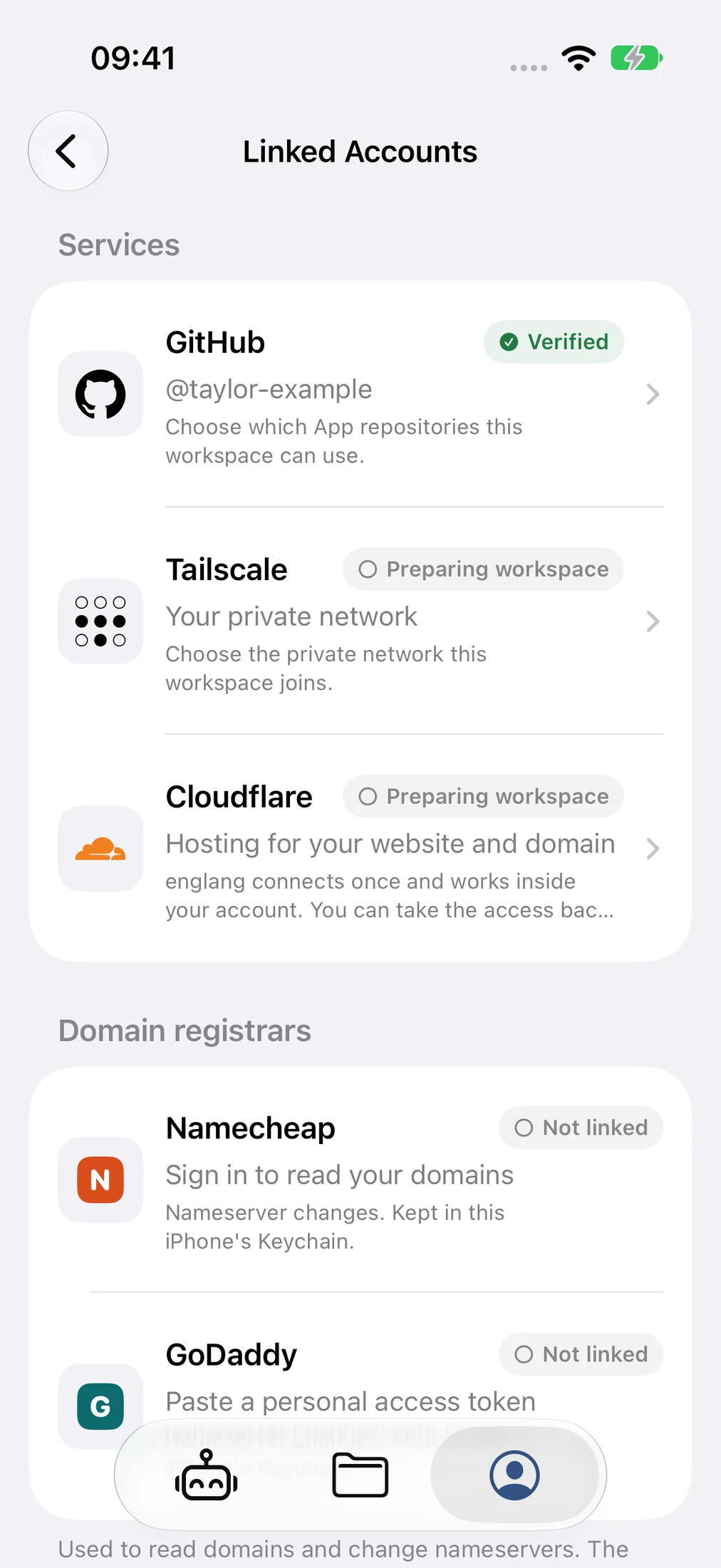

Link GitHub, grant the GitHub App access, then explicitly choose repositories for this workspace. Your source stays in repositories you control; GitHub App access alone is not workspace approval.
Search for a name and see the first-year price. You finish the purchase on Cloudflare, in your own Cloudflare account. Domains is an optional Advanced setting; the names and prices in the screenshots are samples.
Authorize Cloudflare in your workspace so the agent can use native deployment tools. Account permissions and a deliberate deployment are still required; linking alone doesn’t publish a site.
Optionally connect the workspace to your tailnet. Tailscale Serve can make a running web app available privately; viewing requires tailnet access and setup, not a public deployment.
Standard files and Git history mean another capable agent or host can continue the work, with the necessary setup. This is not a one-button migration.
Device Keychain for supported credentials, local-first speech, deliberate cloud-transcription consent, and optional push enrollment. Projects and conversations are not automatically made public.
You still decide. Review generated work before relying on it. Shared prompt access can use the owner’s files, credentials and paid resources; the relay can read shared content. Revocation cannot undo running work or copied content.
Advanced is optional. Hosts, Terminal and Review Changes are opt-in controls. Workspace review is a read-only beta, not the experimental annotation-and-feedback prototype. HTML preview is an isolated document reader, not a live website test.
Your project stays yours. Standard files, Git and retained context preserve choices. They don’t automatically back up every conversation or make migration one click. More on ownership
Access & questions