Why your project lives on GitHub
GitHub keeps your project’s files and every version of them. A private repository in your own account means the files are yours. You can take them to another tool or another developer at any time.
What GitHub is
GitHub is a service that keeps the files of websites and apps. It keeps every version of every file, so you can see each change and go back to an earlier version. Most developers in the world use it.
The files of one project live in a repository: a folder for the project and its full history.
Why your own account
Your website or app is a set of files. When those files are in a repository in your own GitHub account, they belong to you. You see them and you control them.
- You can change tools. Any editor, any developer and any capable AI agent can open the repository and continue the work.
- You can grow the project. Later, you can add features that Englang does not offer, with a developer or another service, from the same files.
- You keep the history. Every change is recorded. You can undo a change or go back to the version of last month.
- You keep it if you leave. If you stop using Englang, the repository stays in your account.
Private is fine, and free
A private repository is visible only to you and to the people and apps you allow. The free GitHub plan includes private repositories.
What Englang does with it
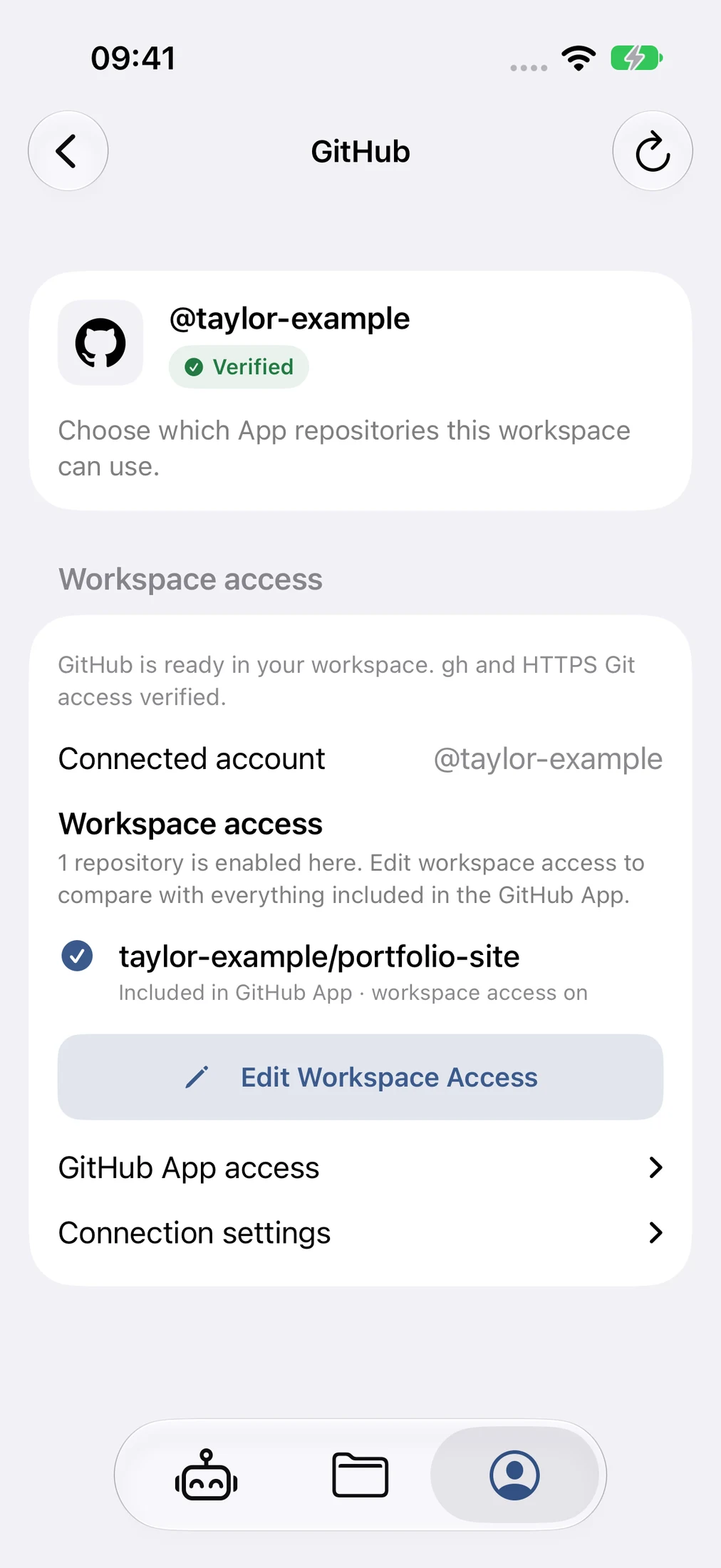
You choose which repositories Englang can use. Englang uses only those. Your agents record their work as commits, and Englang sends the commits to your repository. When a website has a backup on GitHub, Englang sends the changes again after every publish.
Connect GitHub
- Create a free account at github.com, if you have none.
- In Englang, open Account → Linked Accounts → GitHub and connect it.
- Choose the repositories that Englang can use. You can change this choice at any time.